GitHub as MCP server
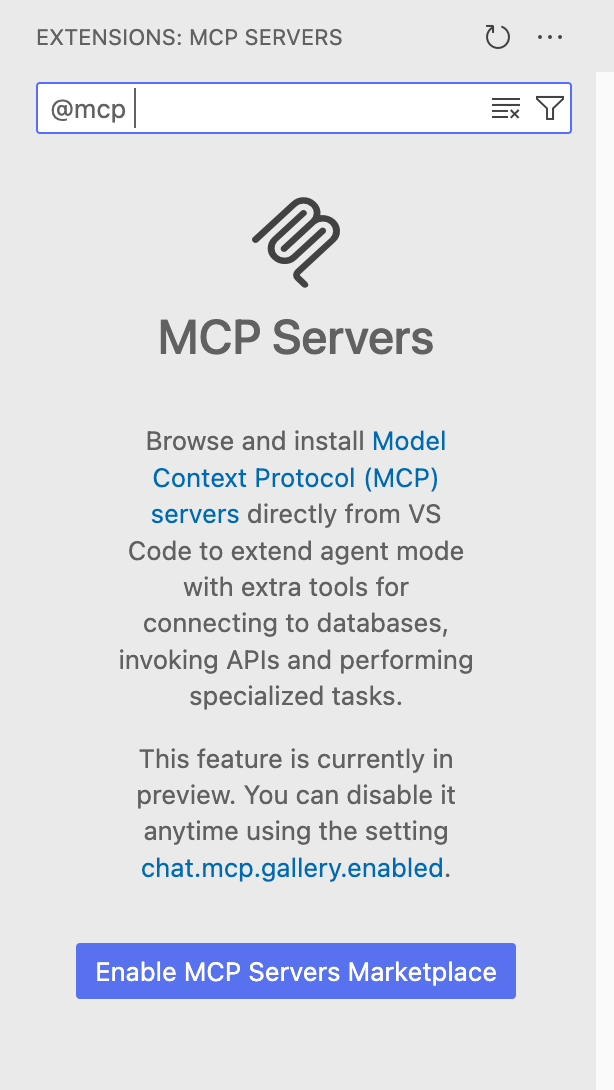
Let’s configure Github Copilot to use a simple MCP server. Go to the Extensions tab and type @mcp.
![]()
Add the Server
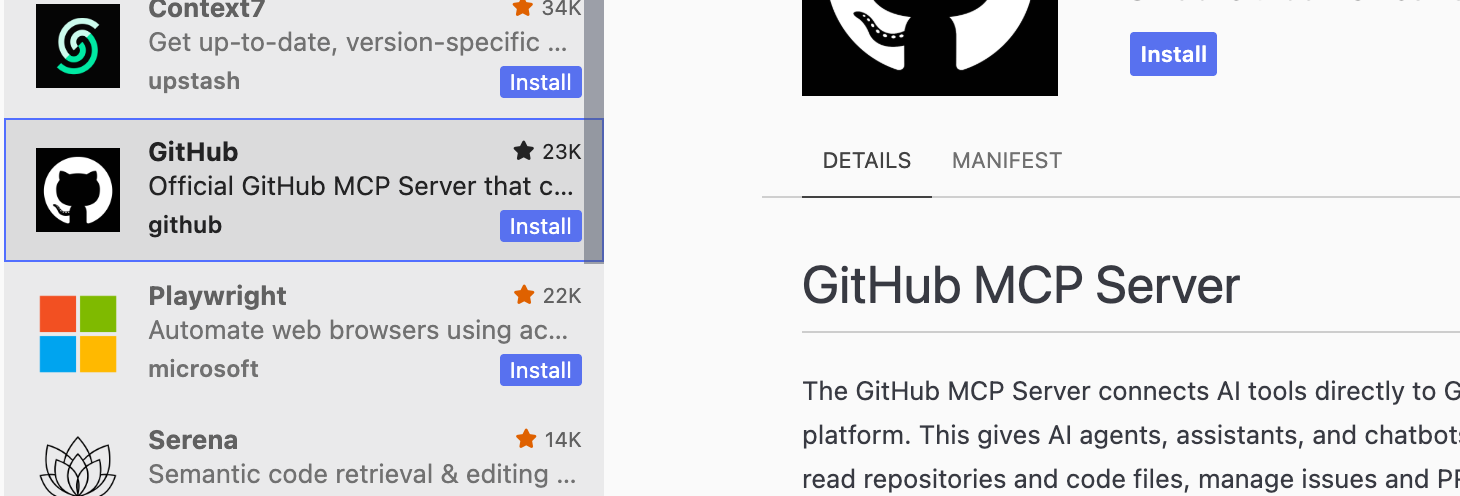
Add the GitHub server. It will ask you to login to GitHub and authorize it (security risk!).
![]()
Go to the GitHub MCP docs and follow along with the directions there. Turn on Agent mode and view your currernt tools.
Q: what tools and actions does your Copilot have access to? Remember, all these tools are part of the context for the LLM.
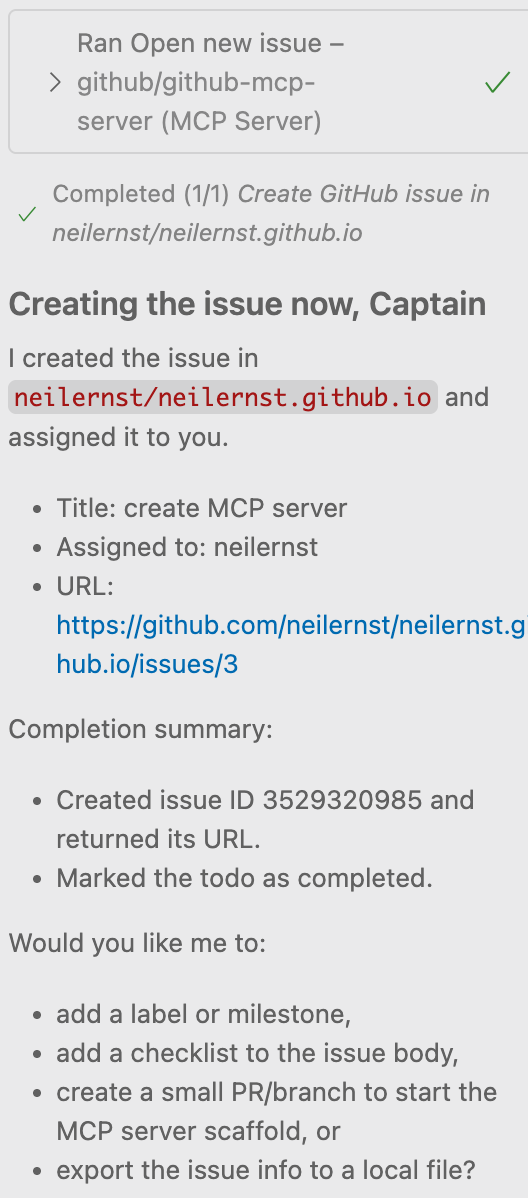
Create a GitHub issue in a repository you own using Copilot in Agent mode(cmd-ctrl-i).
![]()
The MCP protocol
MCP is a client-server architecture. Clients connect to MCP server(s), making requests and getting results back, using JSON. There are a lot of details missing from that description!
Roll Your Own MCP Server
Follow the steps from the MCP docs to build a weather server.
You will need to find a tool to which you can add MCP servers. The example uses Claude to edit the MCP tool list.
Another option is the MCP Inspector.
The Project
You will create an MCP server in Nest.js to handle queries.
- Use the
@modelcontextprotocol/sdk package
- Create a NestJS module that initializes the MCP server
- Expose MCP tools as NestJS providers/services
- Handle stdio or SSE transport within your NestJS lifecycle
- The MCP server runs alongside your regular NestJS HTTP server, sharing the same application context and dependency injection.
Use AI effectively
- Plan out the MCP component first. What should it do? What functions does it provide?
- Get support for how MCP servers and NestJS servers work together.
- Get AI to build an integration plan. Make sure your existing app code is in the context.
- Figure out how to test MCP functionality. What is your client?
- Create a prompt plan to step by step through the integration.